Choosing your portfolio
Why have an online portfolio—and should you build your own website?
Someone asks to see your work. You could send a few images, point them to a social profile or share a portfolio link. The value of that link is simple: it brings your selected work, a little context and a way to contact you into one place.
If your main goal is to show your work and invite enquiries, a ready-made portfolio may be all you need. If visitors also need to buy prints, book sessions, browse separate projects or read detailed service information, look for a platform that supports those tasks. Building a custom website makes sense when you have specific requirements and the time or support to maintain it.
A portfolio made with a builder is still a website. The choice is how much you want to design and manage yourself—and how much your visitors actually need.
Why should you have an online portfolio?
A useful portfolio gives an unfamiliar visitor a clear introduction to your practice. They can see the kind of work you make, decide whether it fits their interests and find the next step without asking you to assemble a new selection each time.
Show the work you want to be known for
Your most recent piece is not always the best introduction. A portfolio lets you lead with work that represents your direction now. For example, a photographer moving into portraits can show a considered portrait selection, even if most of their archive is travel photography.
Give the images useful context
A few words can explain what a visitor is looking at: the medium, a project’s purpose or the type of commissions you welcome. You do not need a long life story. You need enough information for someone to understand the selection.
Make your work easier to share
A link can go in an email introduction, a commission reply, a social profile or an application that accepts website links. It also gives someone a place to send a friend who is interested in your work. Keep the page current so that the link remains useful.
You may not need a separate portfolio yet if you are exploring a hobby and your existing way of sharing already meets your needs. If your question is specifically whether Instagram is enough, read our guide to Instagram and online portfolios.
Three ways to create a portfolio website
“Build my own website” can mean several things. You can assemble a page with a visual builder, configure a self-hosted platform or commission a custom design. You do not have to write code to make a website your own.
These options overlap. A designer can work with a website builder, and a hosting provider can manage parts of a self-hosted site. Ask what is included rather than assuming that “custom” means complete freedom or “template” means poor presentation.
Compare the cost of keeping the website useful
The price to launch is only part of the decision. A page also needs to stay online, show current work and remain easy to update. Compare what each option includes over the same period, such as a year.
- Setup: your time choosing layouts, preparing content and checking the page, or the fee for someone to build it.
- Ongoing services: publishing or hosting, a domain if you choose one, and any paid themes, extensions or extra features.
- Changes: whether you can replace an image yourself or need to pay for help with routine edits.
- Maintenance: who handles software updates, backups and problems with the site.
For example, WordPress’s own maintenance guidance covers updates, backups and checking links. Your host or support agreement may handle some of that work; confirm the arrangement before choosing a self-hosted setup.
A custom site can be worthwhile if you enjoy building it or need the flexibility. A ready-made portfolio can be worthwhile if the structure already fits and you prefer to spend that time making new work. Neither option is automatically the cheapest once your time and ongoing needs are included.
Choose from what your visitors need to do
Write a short sentence describing the job of your website. “Show my illustration work and invite editorial commissions” is a useful starting brief. “Have every feature I might need someday” is much harder to act on.
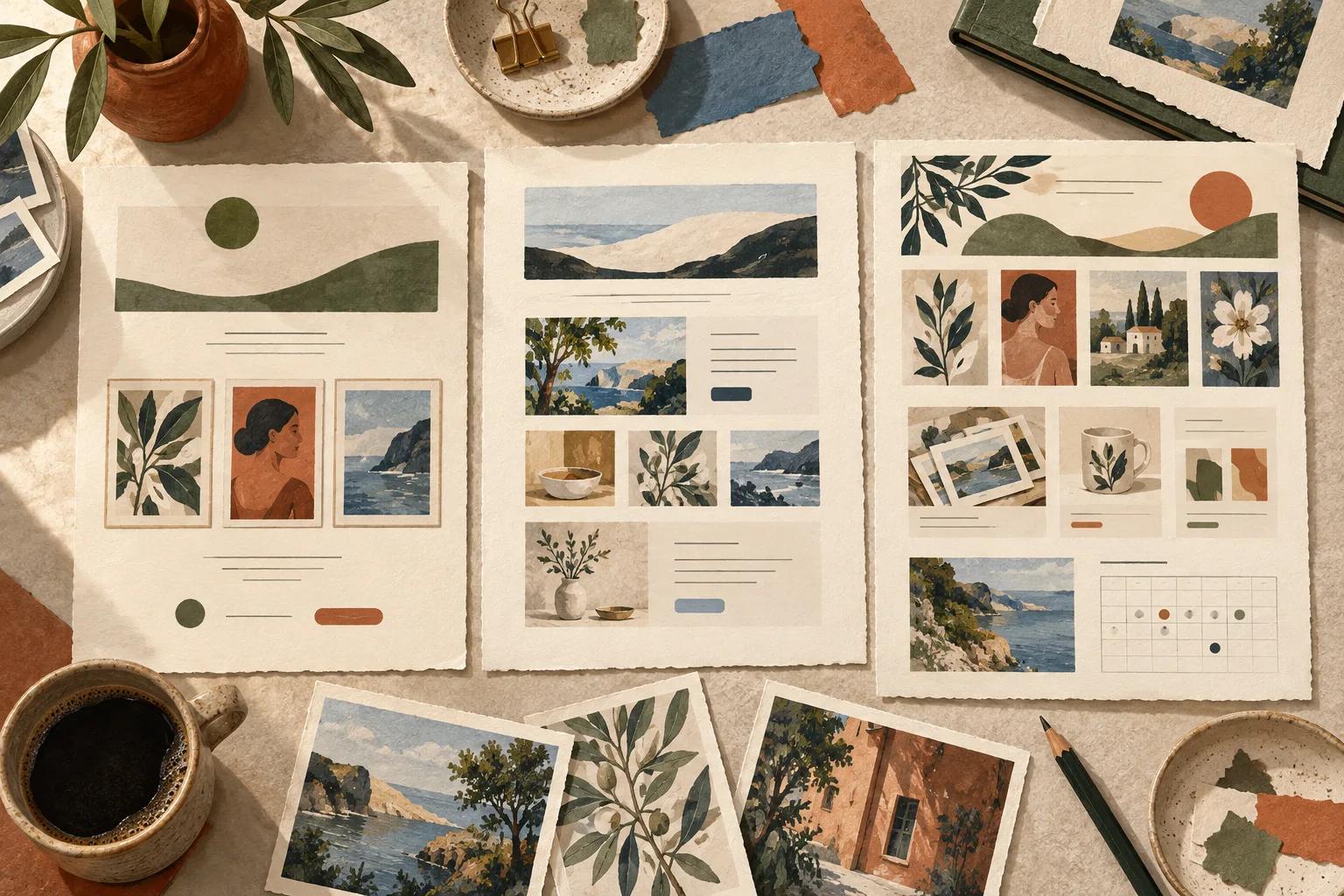
| What you need now | What to look for |
|---|---|
| Selected images, a short introduction and a way to enquire | A focused portfolio service whose layout suits your selection. |
| Several projects with their own explanations or service pages | A builder or site setup that supports the pages and navigation you need. |
| Print sales, session booking or private client galleries | Support for that specific task. Check it separately from the public portfolio. |
| An unusual interaction or connection to another system | A flexible platform or custom build, with a clear plan for maintenance. |
Imagine an illustrator who wants an art director to view a selection and email about a commission. A focused page may do that well. A wedding photographer who also needs clients to select images from private galleries has a different requirement. Both need to show their work, but their websites serve different tasks.
If you plan to hire someone, ask them to explain how you will add a new project, what happens when something breaks and what is handed over. A beautiful launch is less useful if every small update becomes a separate job.
When a ready-made portfolio like delaFolio makes sense
delaFolio is designed for a straightforward introduction to visual work: selected images, a short line about your portfolio, an About me section and the contact details you choose. The layout is already made, so you can concentrate on the selection and what you want visitors to know.
That structure can suit a painter showing recent work, a photographer presenting a focused selection or a tattoo artist inviting enquiries. If your brief includes an online shop, appointment booking, private image delivery or extensive project pages, compare tools that support those requirements before committing.
Explore the portfolio examples to judge whether the format suits your work. Use the current publishing price when comparing costs; free creation and preview are different from paid publishing.
Try this before you commit to a platform
- Make a small selection. Pick the work you would send to the person you most want to reach. Our image-selection guide can help you narrow it down.
- Write a brief introduction. Explain what you make and which enquiries you welcome. Add the contact method you want people to use.
- Build a preview and open it on your phone. Check the whole image, captions, navigation and contact links. Look at the page as a visitor would.
- Test a real task. Ask someone unfamiliar with the work to find examples relevant to a commission and explain how they would contact you.
- Check one routine update. Replace an image or change your introduction. Notice whether that is a process you will be comfortable repeating.
If the preview does the job, you have a practical basis for your choice. If it reveals a missing feature, write that requirement down and compare alternatives against it. You can start with a focused portfolio and reconsider the platform when your needs change; switching may mean rebuilding pages and updating shared links.
Common questions about portfolio builders and custom websites
Is a ready-made portfolio a real website?
Yes. It is a web page or set of pages people can visit through a link. How it was built does not determine whether your work is worth viewing. The important questions are whether the page presents it clearly and supports the actions your visitors need.
Do I need to know how to code?
No. A ready-made portfolio or visual website builder can let you publish without writing code. You still need to choose the work, write the text and check the result. A custom build adds more control, along with decisions about editing and ongoing support.
Do I need my own domain name?
A custom domain may matter if a particular branded address is part of your brief. You do not have to commission a custom website to use one: some hosted portfolio services support custom domains, as Adobe Portfolio’s documentation explains. Check the specific service. delaFolio uses a shareable address on delafolio.com.
Will a custom website rank better on Google?
Custom code alone does not promise better rankings. What matters includes whether search engines can access the page and understand useful content about your work. Google’s SEO starter guide explains that neither indexing nor a first-place ranking is guaranteed. Choose a platform that supports your content and publishing needs, then share the page with the people you want to reach.
Can I use a portfolio now and build a bigger website later?
Yes, but plan for the change. Keep your original images and a copy of your text. Before choosing a service, check what you can export and what happens to the address if you leave. A future move may require uploading the work again and replacing links in profiles, applications and emails.
Start with the work
See what your portfolio needs to be.
Put together a selection, a short introduction and your chosen contact details. A free delaFolio draft lets you see whether a ready-made page fits before you decide to pay for publishing.
Create your free draft