Build your first portfolio
How to create an online portfolio
You have work you want to share, but turning it into a portfolio can feel like a bigger project than it needs to be. What should go on the page? What do you write about yourself? When is it ready to send to someone?
Start with a focused selection of images, a short explanation of what you do and an obvious way to contact you. Build a draft, check it on a phone and a larger screen, then publish when those three things are clear. You can improve the selection as your work develops.
This guide is for artists, photographers and other visual creatives making a public portfolio. If you are submitting an application, follow its specific format and requirements. If you are still choosing a platform, read our comparison of portfolio builders and your own website first.
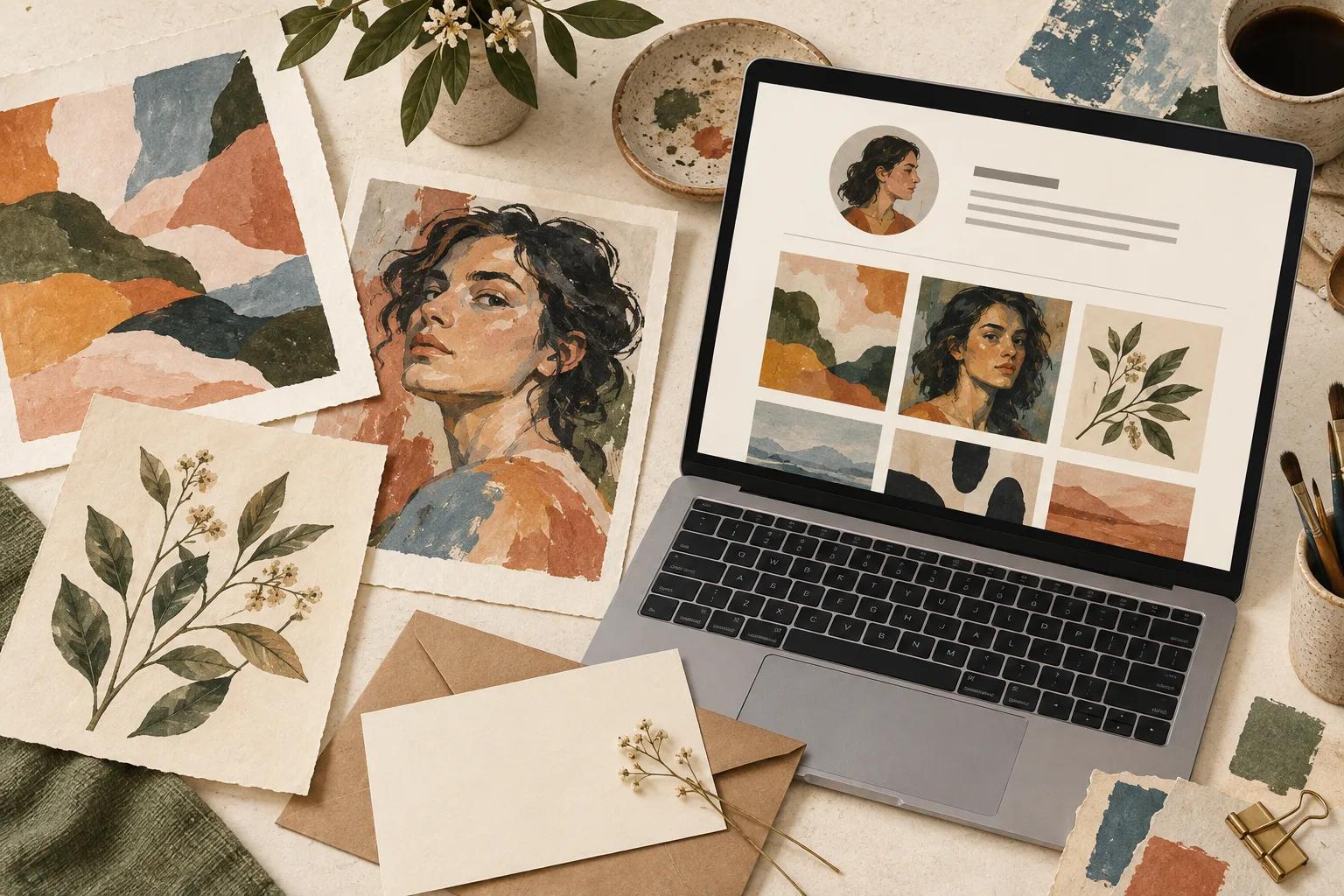
1. Gather what you need before you start
Put your materials in one folder so you can concentrate on the page rather than hunting for files. You do not need a finished biography or your entire archive.
- Images of your work: clear photographs, scans or exports that represent what you make now.
- Your name and a short introduction: the type of work you do, with a location or focus where it helps a visitor.
- A few useful details: materials, project context or the kinds of enquiries you welcome.
- A contact route: an email address or professional profile you actually check.
These essentials also appear in University of the Arts London’s professional portfolio guidance, which covers work, background and contact information. On a simple portfolio, those can be sections of one page.
Look at a few portfolio examples to understand the layout. Borrow ideas about clarity and pacing; let your own work determine the content.
2. Decide who the page is for
Choose one main reason someone would visit. A prospective portrait client needs a different introduction from a curator looking at a painting series. Your page can serve more than one audience, but the opening should make its main purpose easy to recognize.
Try a one-sentence brief
“This page helps people looking for a portrait photographer in Malmö see my approach and ask about a session.”
Or: “This page introduces my recent abstract paintings to people interested in exhibitions and commissions.”
Use that sentence when deciding what belongs on the page. A visitor should be able to connect your introduction to the images they see. If those point in different directions, adjust the selection or the wording.
3. Add a focused selection of work
Choose a manageable first set rather than uploading everything. Six to ten images can be a useful drafting exercise for a simple gallery; it is a starting suggestion, not a rule about how many a finished portfolio needs. Add an image when it shows something the selection is missing.
Lead with work that makes your practice recognizable. Keep related pieces together, and remove near duplicates that do not add useful information. For help making those decisions, use the guide to choosing and arranging portfolio images.
Check the files at a larger size. A photograph of a painting should show its colour and surface clearly; a portrait should let someone assess the expression and light. A good layout cannot restore detail missing from the original file.
Add captions when a visitor needs context. “Evening study, oil on canvas, 40 × 50 cm, 2026” says more than “My latest work.” For a collaboration, explain your contribution.
4. Write an introduction people can use
Your opening should answer “Who makes this work, and what do they do?” Use language you would use when introducing yourself to someone interested in your practice.
Illustrative introduction
“I’m Lina, a portrait photographer based in Malmö. I make natural-light portraits for individuals and small creative businesses.”
This gives a visitor a name, a practice and a useful context. “Passionate creative bringing unique visions to life” leaves them with much less to go on.
Use the About me section for details that help someone understand the work: your materials, recurring subjects, approach or relevant experience. You can be new to your practice and still be specific. You do not need awards or years of client work to describe what you make honestly.
For example: “My paintings begin with walks along the coast. I use thin layers of acrylic to explore changing light and the shapes of the shoreline.” Keep achievements or training that matter to this selection, and leave out details that distract from it.
5. Make enquiries straightforward
Choose the contact options you want to make public. An email address works well for a considered enquiry; a professional Instagram account may suit someone already following your work. Give visitors a route you can reliably respond to.
If you welcome commissions, say what someone can ask about and what information would help you reply. A simple prompt is enough:
“For portrait enquiries, email me with your preferred month, the location and what the images will be used for.”
Only promise availability you can maintain. Check every address and link, and make sure the contact details you select are ones you are comfortable displaying publicly.
6. Check the page before publishing
Preview the whole page on a phone and a larger screen. Read it as if you had never met the person who made the work. Then ask someone else to browse without an explanation.
- Identity: can they say what you make after reading the opening and seeing the first images?
- Work: are the images sharp enough, correctly oriented and arranged in a useful order?
- Framing: does each gallery crop make sense, and does the full image show what it needs to?
- Context: are captions understandable without you standing beside the page?
- Contact: can they find a working route to ask about the work?
- Accuracy: are your name, location, dates and current availability correct?
Ask two specific questions: “What would you contact me for?” and “Was anything confusing?” Their answers are more useful than a general “Does it look good?”
Questions about your first online portfolio
Can I create a portfolio without client work?
Yes. Personal projects and self-directed work can show your approach. Label them clearly, and describe your actual role rather than presenting a study as a commissioned project. Show work you would be comfortable discussing or making more of. For a practical starting point, try our portrait portfolio guide for photographers without clients.
Do I need a long artist biography?
No. Start with a clear introduction and enough background to understand the work. A longer biography is useful when the audience or application needs it; it is not a prerequisite for a simple public page.
Should I include my Instagram?
Include it if it adds something useful and you want visitors to follow you there. The portfolio should still make sense on its own. Read how Instagram and a portfolio can work together if you are deciding what to maintain in each place.